Microsoft 365 Copilot's "Agent Mode" is Here
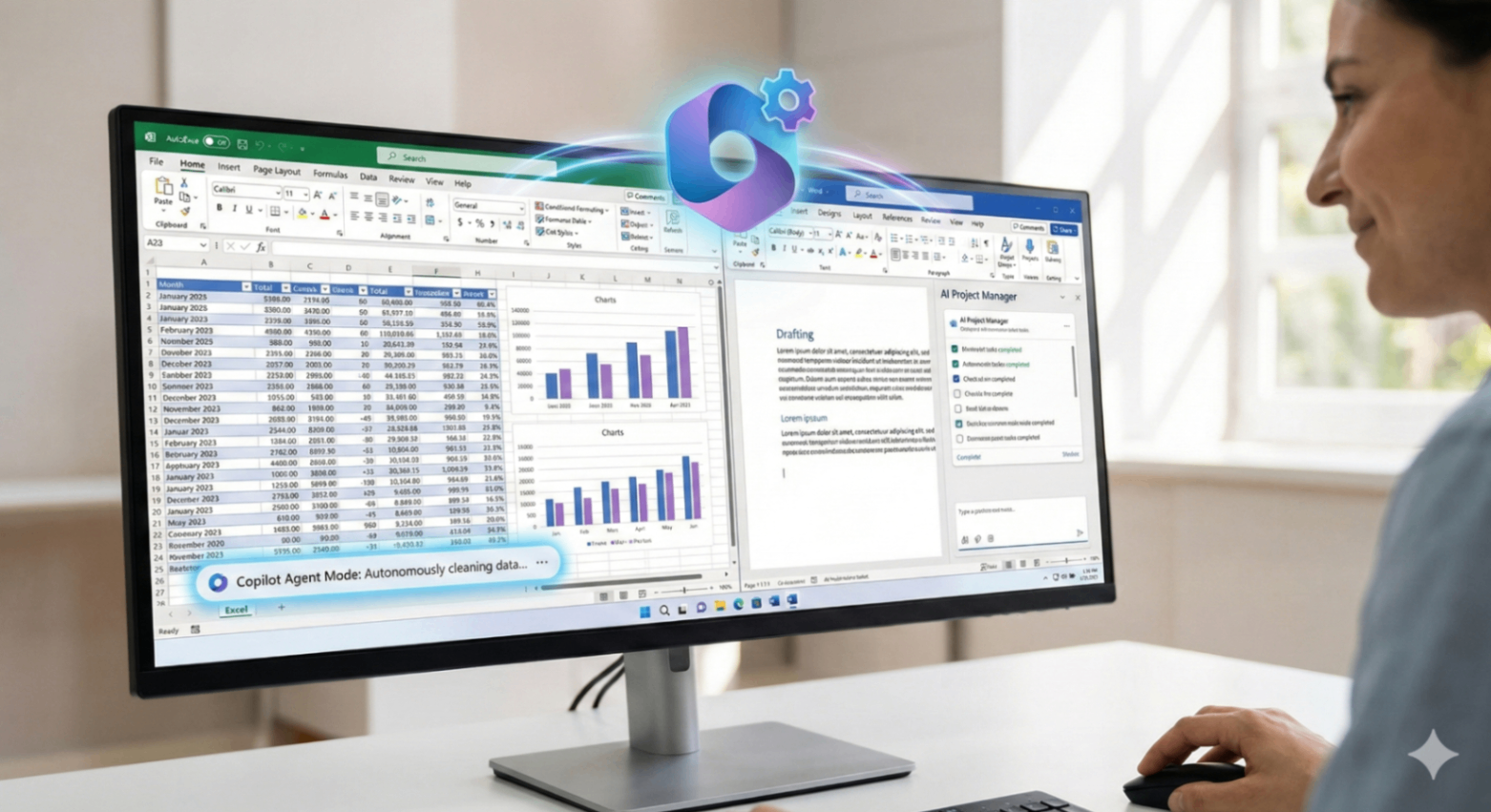
For many professionals, the workday is a constant battle against repetitive tasks. You spend hours formatting data in Excel before you can even analyze it, or you stare at a blank Word document trying to structure a report. Microsoft’s latest update to Microsoft 365 Copilot aims to change that dynamic forever with the general availability of "Agent Mode."
This isn't just another chatbot upgrade. According to the official Microsoft Roadmap, Agent Mode shifts Copilot from a passive assistant that waits for commands to a proactive AI project manager capable of executing complex, multi-step workflows autonomously within your most-used apps.
Here’s a breakdown of what Agent Mode is and how it will redefine productivity in Excel and Word.
From Chatbot to Autonomous Agent
Until now, interacting with Copilot has been a call-and-response game. You ask it to summarize a paragraph, and it does. You ask it to write a formula, and it does.
Agent Mode changes the game by giving Copilot a degree of autonomy. Instead of a single task, you can give it a project goal. Copilot will then break that goal down into necessary steps and execute them one by one, presenting you with the progress for review. It’s like having a junior analyst or assistant working alongside you inside the document.
Agent Mode in Action: Excel and Word Use Cases
The power of this new mode becomes clear when you look at practical applications in the apps you use daily.
In Microsoft Excel:
Forget spending your morning cleaning messy datasets. With Agent Mode, you could give Copilot a command like, "Prepare this sales data for analysis." The agent could then autonomously:
Identify and remove duplicate entries.
Standardize date formats across columns.
Flag missing values for your review.
Create a preliminary pivot table and a corresponding chart to visualize trends.
You supervise the process, approving its actions, but the heavy lifting is done for you.
In Microsoft Word:
Drafting long reports or proposals can be daunting. Instead of writing from scratch, you can instruct Copilot's Agent Mode to act as a co-author. You might ask it to, "Draft the 'Market Analysis' section based on the attached research notes." The agent could then:
Read your notes and extract key themes.
Structure the document section with appropriate headings.
Draft the content, paragraph by paragraph.
Insert placeholders for charts or images it thinks are needed.
The Human is Still in Control
A key aspect of Microsoft's approach is the "human-in-the-loop" philosophy. While Copilot can act autonomously, it is designed to work under your supervision. You watch its progress, approve its steps, and make final edits. Agent Mode isn't about replacing your job; it's about removing the drudgery so you can focus on high-value strategy and creative thinking.
This update marks a significant step towards a future where AI doesn't just answer questions, but actively helps us get work done.