Windows 11 26H2 Update: Copilot Hits File Explorer
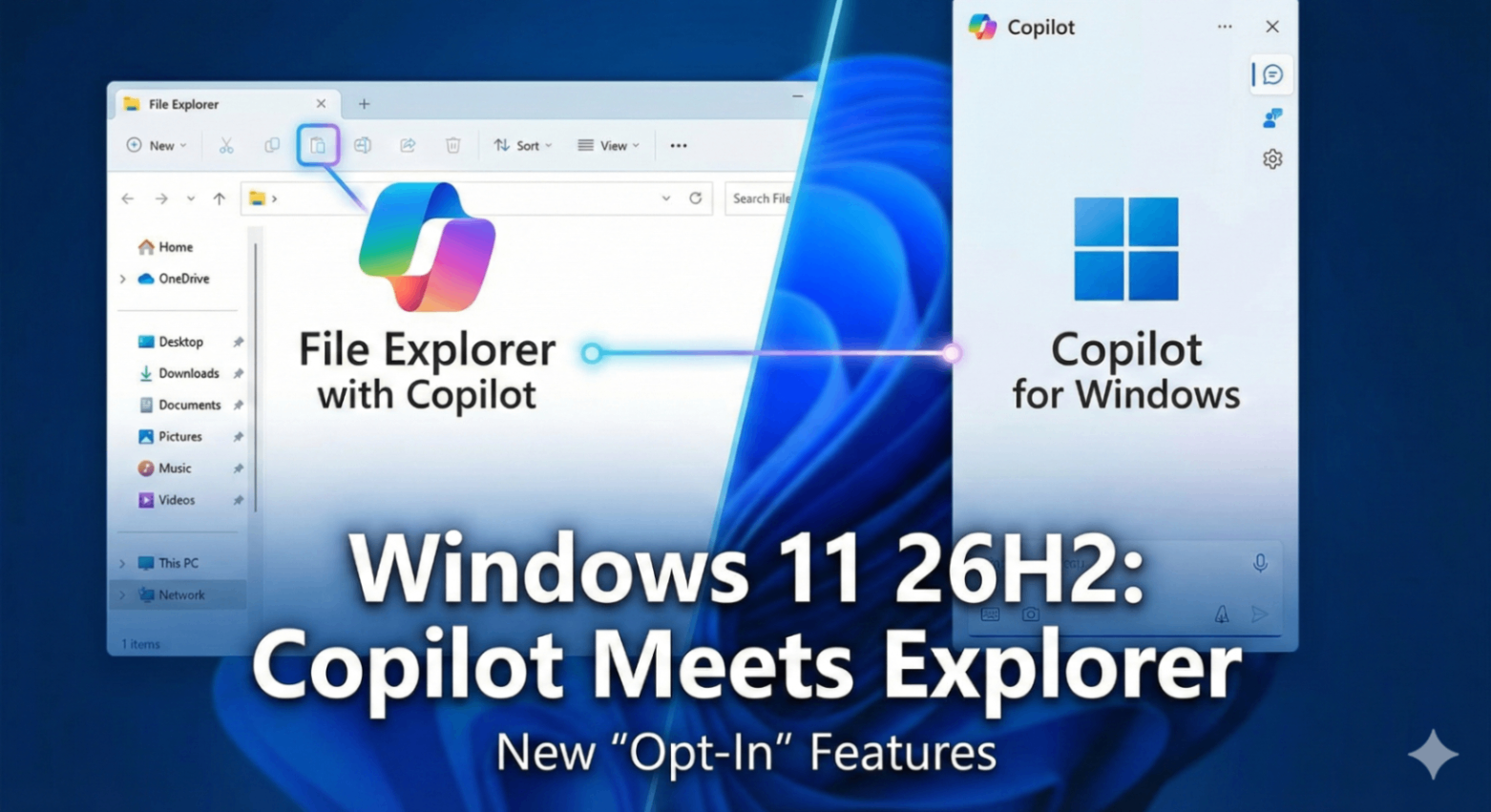
For the past two years, Microsoft’s strategy regarding artificial intelligence has felt a bit like a steamroller: integrate Copilot everywhere, immediately, whether users asked for it or not. From the taskbar to Office apps, avoiding the AI assistant has become increasingly difficult.
On February 3, 2026, with the release of the first preview build for the upcoming Windows 11 26H2 update, Microsoft signaled a massive shift in that strategy.
Yes, the update brings Copilot deeper into the core OS than ever before, specifically targeting the File Explorer. But more importantly, following significant pushback from consumers and enterprise clients, Microsoft is finally pivoting to an "opt-in" model for system-wide AI integration.
Here is a deep dive into what the 26H2 preview offers and why this policy change is a defining moment for Windows 11.
Copilot in File Explorer: Contextual Local AI
Until now, Copilot on Windows has primarily acted as a side-panel web browser that can control a few system settings. The 26H2 update aims to make Copilot useful for the files actually sitting on your hard drive.
According to the preview, the integration into File Explorer goes beyond a simple button. It introduces contextual awareness to your local data management:
Smart Summarization: Users can right-click a folder containing mixed documents (PDFs, Word docs, spreadsheets) and ask Copilot to "Summarize the contents of this folder." Copilot will generate a briefing document outlining what the files are about without opening them individually.
Natural Language File Search: Instead of remembering exact filenames or using complex wildcard searches, users can query File Explorer with prompts like, "Find the budget presentation I was working on last Tuesday afternoon," or "Show me photos from the company retreat that feature David."
Automated Organization: A new "Tidy Up" feature allows Copilot to scan a messy Downloads or Desktop folder and suggest subfolders based on file type, date, or project context, offering to move the files automatically.
This move addresses a long-standing criticism: that while AI is great at generating emails, it hasn't helped much with the mundane digital housekeeping of managing local files.
The Big Pivot: The "Opt-In" Victory
While the File Explorer features are impressive, the real headline of the 26H2 preview is political.
Since the aggressive rollout of Copilot in late 2024 and throughout 2025, user forums and IT departments have been vocal about "AI fatigue" and privacy concerns regarding always-on OS-level integration.
Microsoft appears to have listened.
The 26H2 preview introduces a centralized "AI & Copilot Settings" hub in the main Windows Settings menu. The most significant addition is a master toggle switch.
If a user chooses not to opt-in, Copilot icons are removed from the taskbar, the search interface, and the File Explorer context menus. The operating system returns to a "classic" Windows 11 feel.
This is a stark contrast to previous updates where disabling Copilot required registry hacks or Group Policy edits. Making it a user-facing choice is a significant concession to power users and privacy advocates who want more control over their computing environment.
What This Means for the Future of Windows
The 26H2 update suggests a maturing of Microsoft's AI strategy. They are no longer just throwing AI at the wall to see what sticks.
By making the features more powerful (File Explorer integration) but the activation voluntary (the opt-in model), Microsoft is betting that users will choose to use Copilot because it adds value, not because they are forced to.
This update strikes a necessary balance. It provides deeper tools for those embracing the AI era, while offering a necessary off-ramp for those who just want their operating system to get out of the way.